Managers and administrators
Turn incoming demand into an accountable work plan.
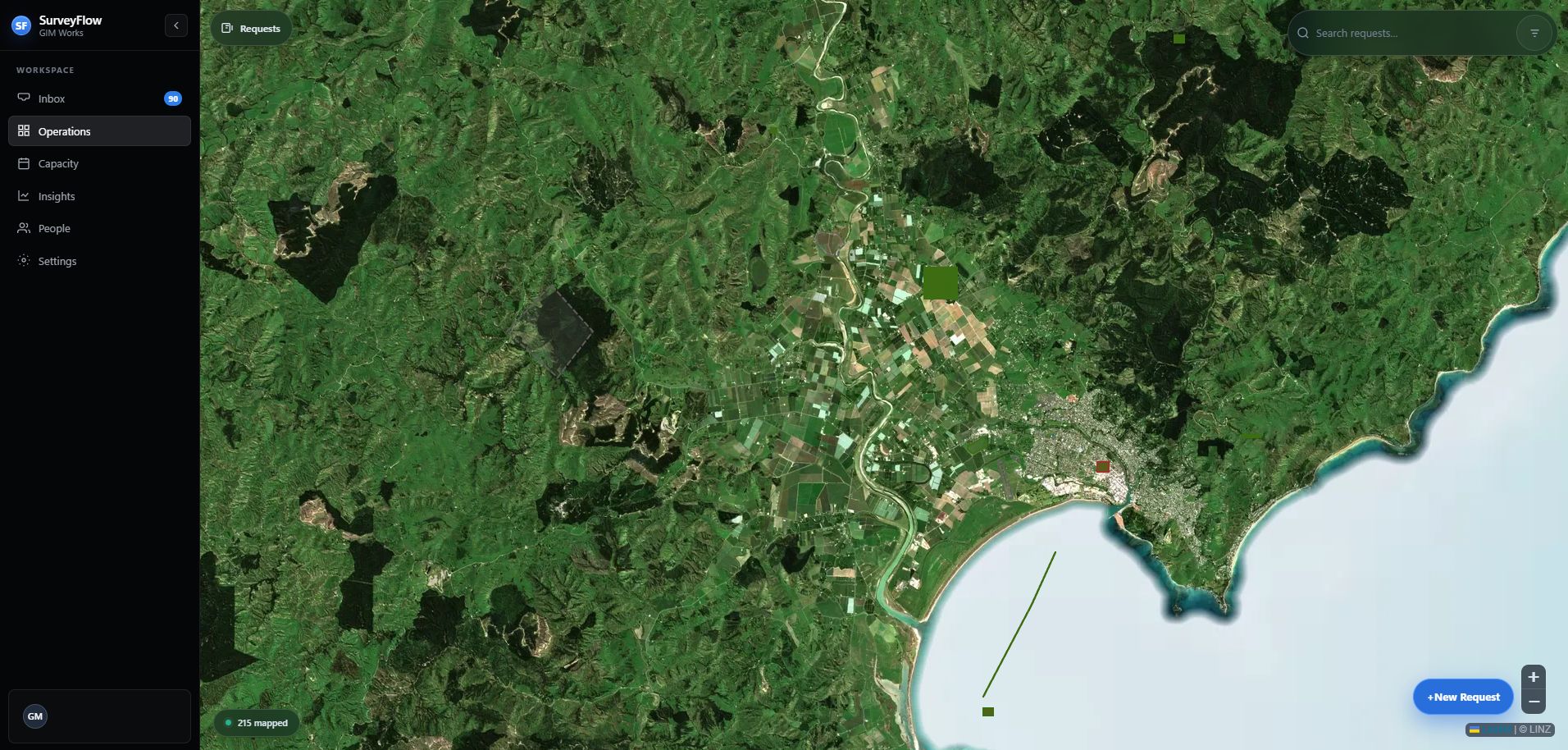
Operations is the main manager workspace. Use it to understand the location and urgency first, then assign a realistic person, date, and effort.
Operations
One programme view for map and requests.
Search and filters apply across the workspace. Collapse the request drawer when you need the full map, then reopen it from the dark Requests control.
Manager workflow
Review, plan, and intervene.
Triage in Operations
Use map and request modes to review new demand. Open the request and check the boundary, required date, survey type, and requester context.
Clarify before assigning
If information is missing, ask one specific question. The requester receives an Inbox update and can reply and resubmit.
Assign a workable plan
Choose the surveyor, planned dates, and allocated hours. Use Capacity to check workload before confirming.
Watch exceptions
Use Inbox, status filters, holds, overdue indicators, Capacity, and Insights to find work that needs intervention.
Recover deliberately
Managers may progress or close out work on behalf of the team when necessary. Leave a clear comment or audit reason when exercising that override.